Food and room photography with evidence
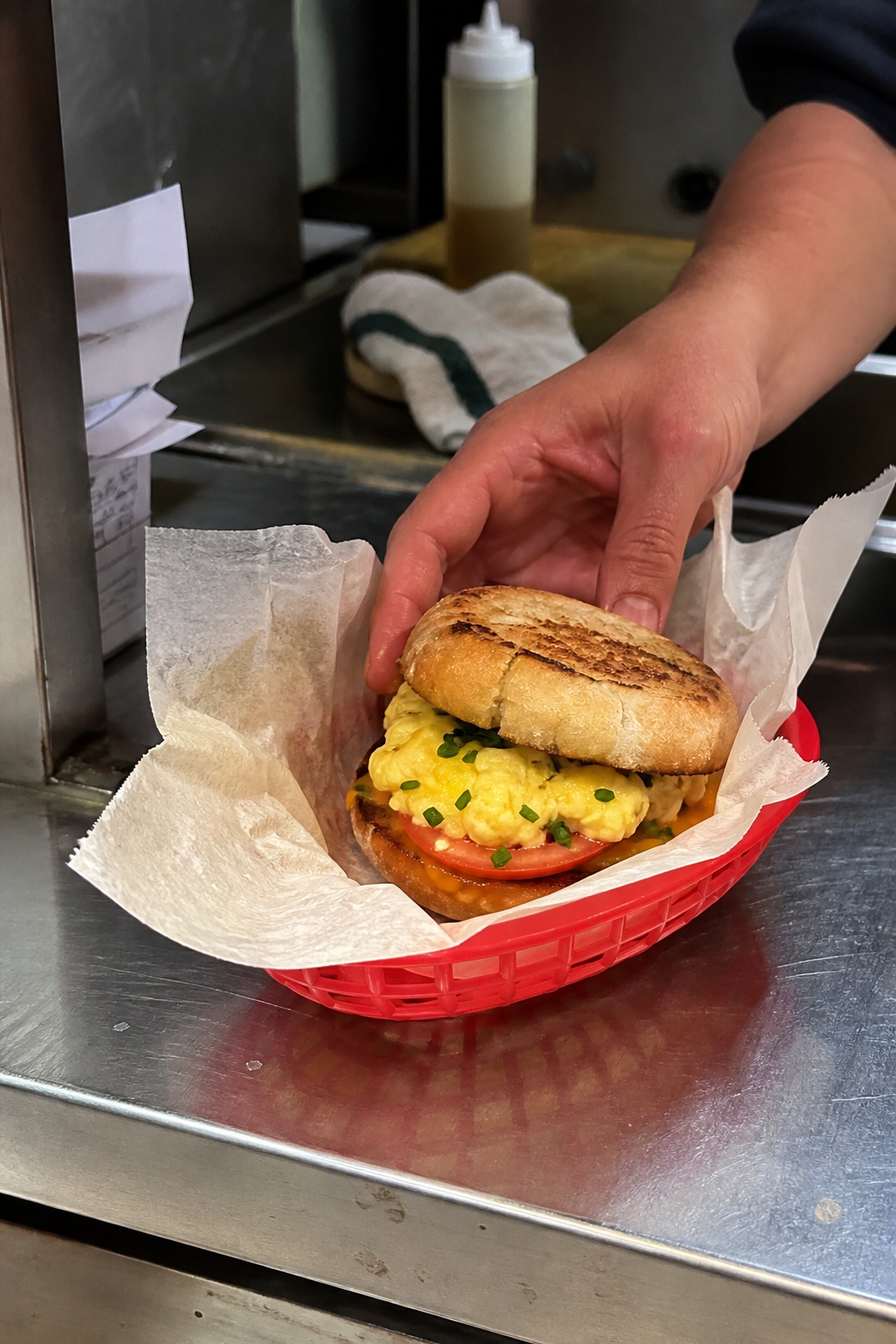
Coach a real phone shot, direct a synthetic concept, or use the real dish as a fidelity anchor. Hands, wrappers, service, and context beat invented luxury.
For restaurants tired of template food ads
Visual Engine turns your room, menu, dish, and ritual into one reusable direction for food photos, specials, events, and weekly promos—before anything gets generated.
Get the seven-file system — $19.99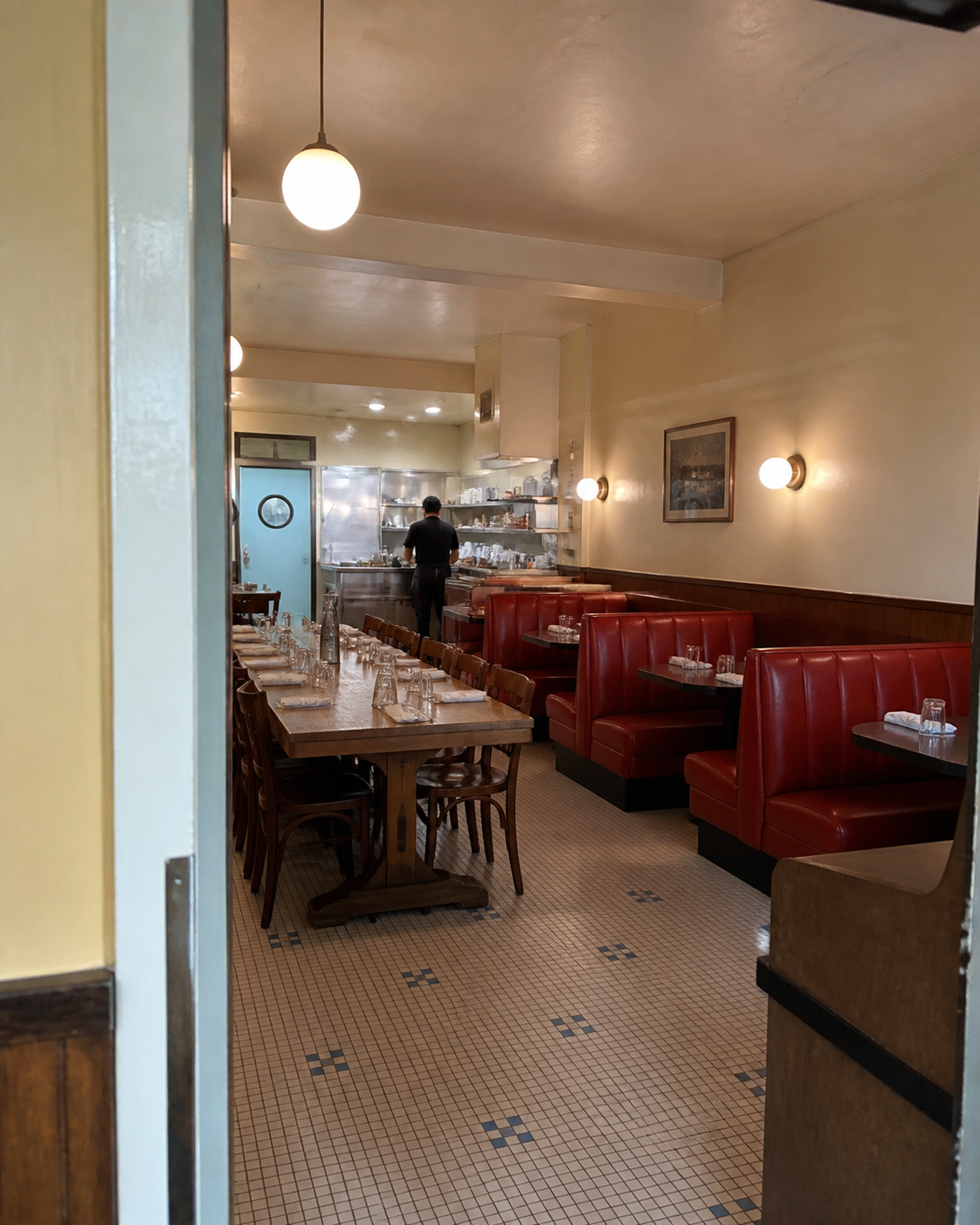
Prompt versus restaurant point of view
The useful ingredients are already around you. Visual Engine interviews you first, finds the specific visual proof, and turns it into a direction that survives the next post.
Before · prompting cold
“Make a premium restaurant flyer.”
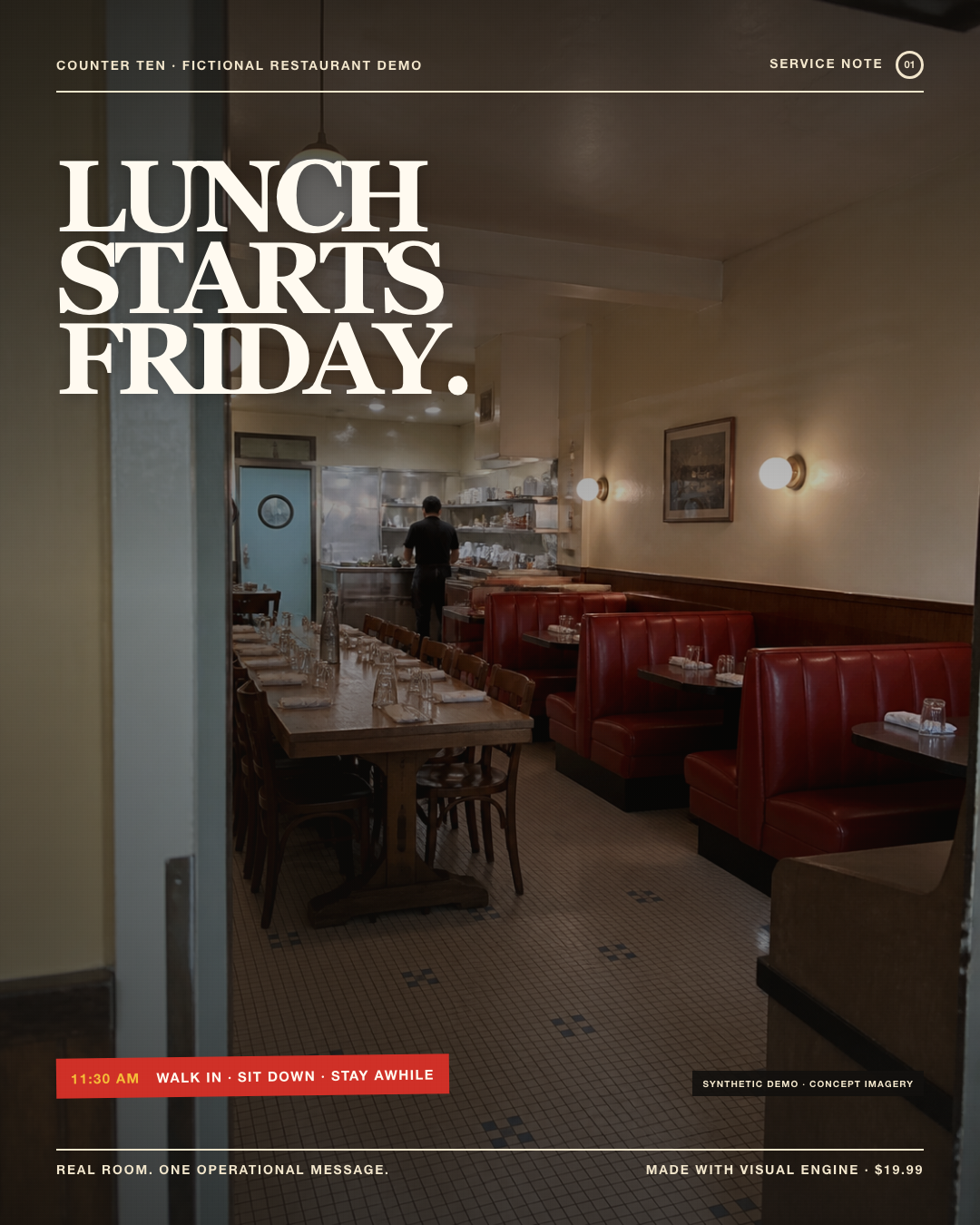
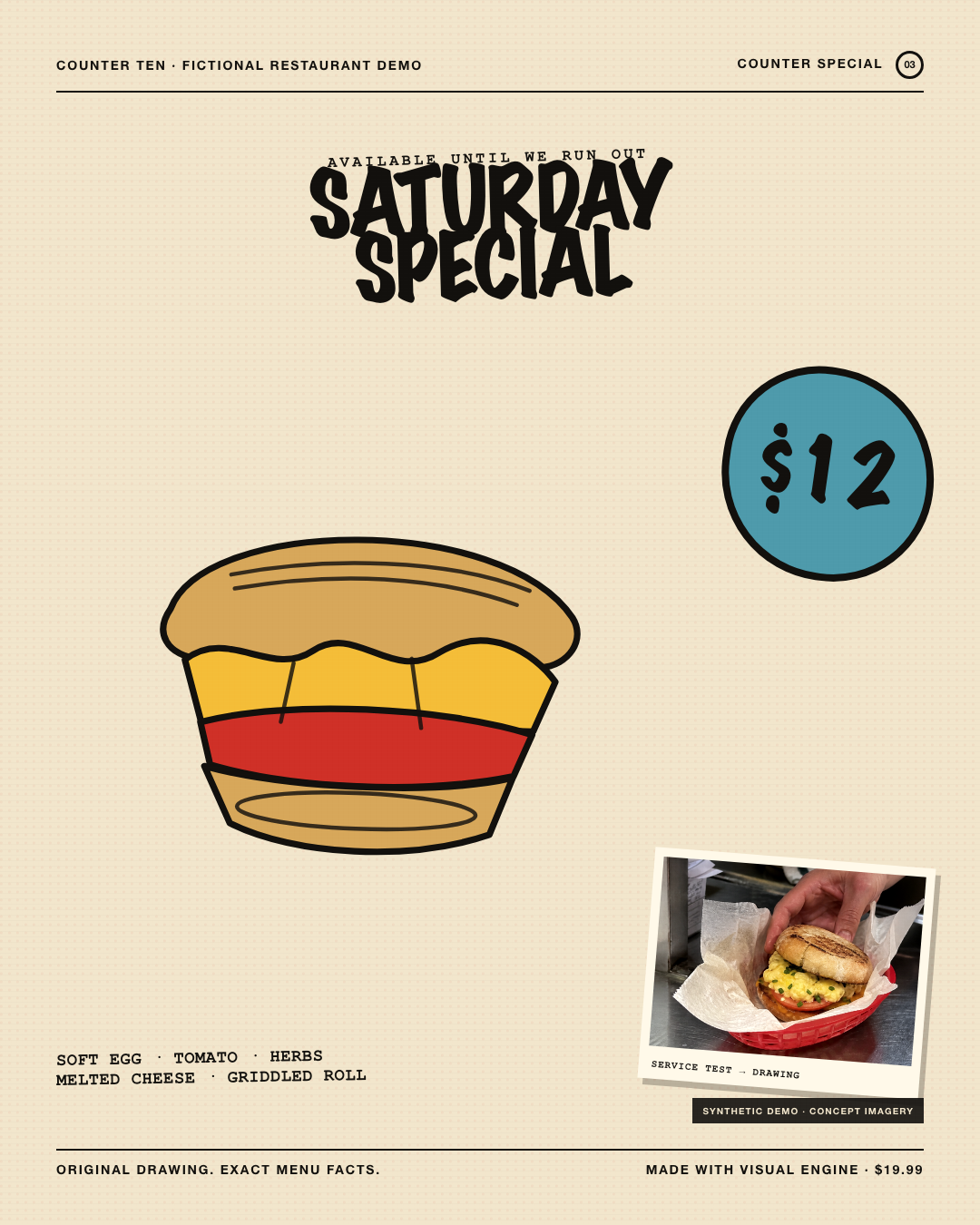
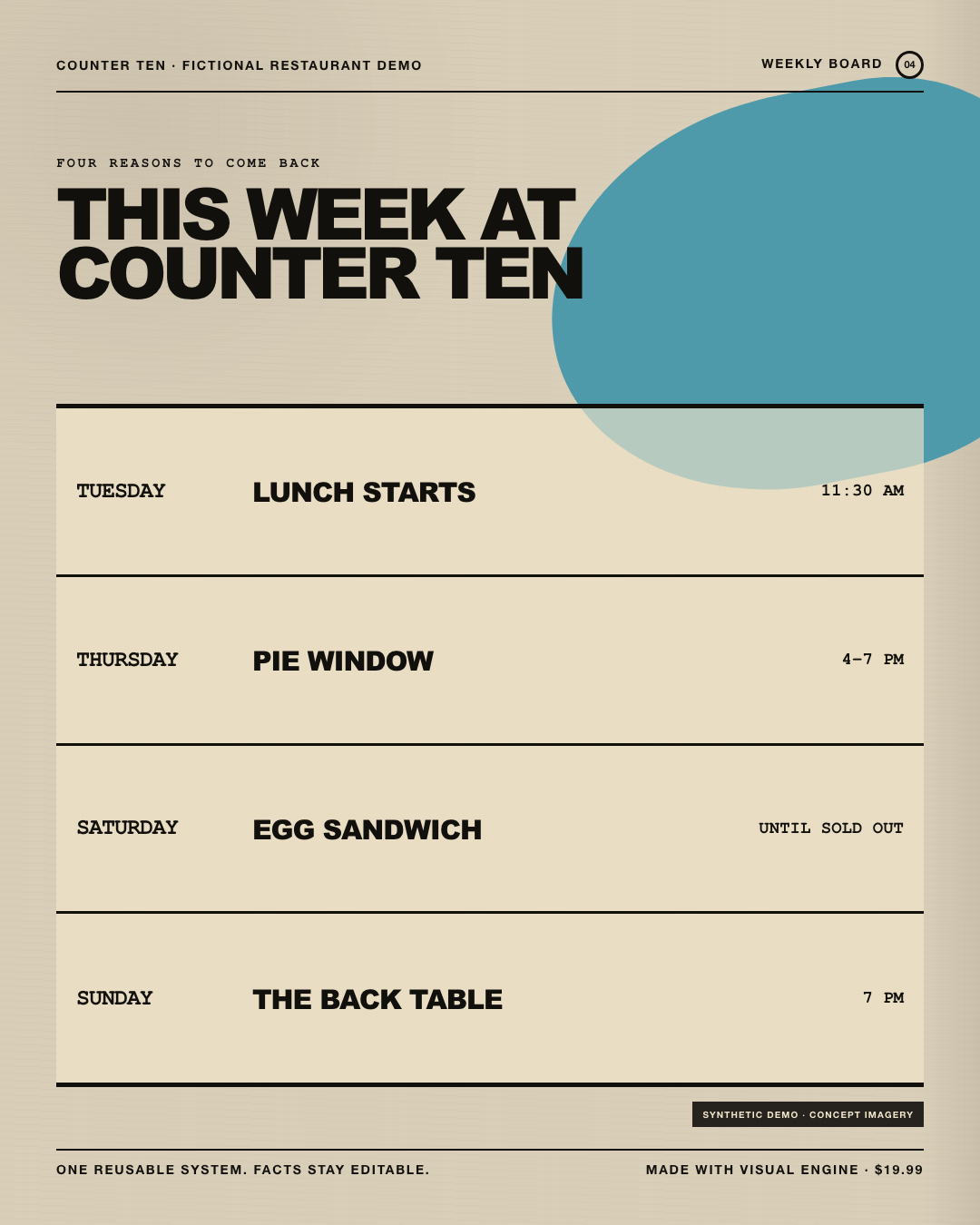
COUNTER TEN is a fictional demonstration restaurant. Its photography is synthetic concept imagery, and its prices, events, and menu details are fictional. This shows a workflow—not a client result or performance claim.
Three restaurant jobs. One profile.
Save the light, surfaces, type voice, colors, camera logic, and anti-slop rules once. Change the job without changing who the restaurant is.
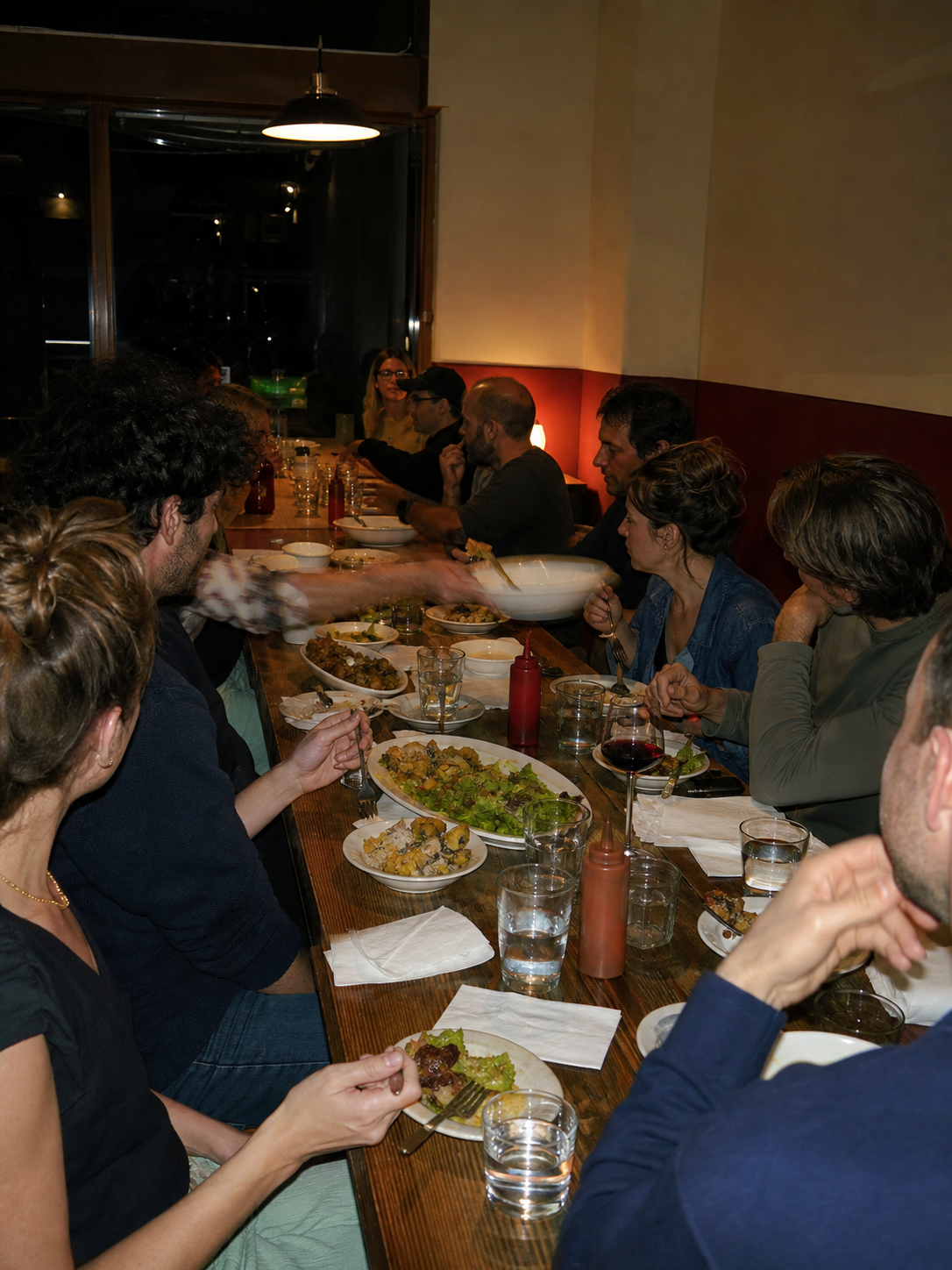
Coach a real phone shot, direct a synthetic concept, or use the real dish as a fidelity anchor. Hands, wrappers, service, and context beat invented luxury.
Name the ritual, choose one visual proof, and typeset the useful details after the image. The event becomes recognizable instead of merely decorated.
Keep the grid, colors, type rules, and image behavior. Swap only the verified hours, dishes, prices, and dates in clean editable type.
No new design app to learn
If you can talk about what regulars notice, what the room feels like, and what you need to promote, you can use Visual Engine.
Upload all seven markdown files to a new ChatGPT or Gemini conversation. The kit activates itself.
Answer five questions one at a time. The system records Prompt DNA, Taste Anchors, menu voice, physical cues, and guardrails.
Ask for a food photo, special, event, weekly board, catalog batch, or brand kit. Re-upload the profile next time.
The anti-slop part
Restaurant marketing falls apart when the food is false or the facts are mangled. The workflow makes those boundaries explicit.
If guests must receive that exact dish, upload a real phone photo. Visual Engine can coach the shot or direct an edit instead of reconstructing dinner from prose.
The system reserves the space and gives you a clean hierarchy for Canva. One mangled digit never becomes the published special.
It is instructed not to fabricate ingredients, certifications, health claims, sourcing stories, awards, or customer proof.
The Concept Gate asks what only your room, dish, customer, history, or ritual can prove before a layout gets built.
Before you buy
Seven markdown files delivered as a digital download: five self-activating creative engines, a quick-start file, and a visual reference. Upload them into a supported AI conversation; they are instructions, not a managed service.
Text-only generation is conceptual. When the dish must stay exact, upload a real photo and use it as the truth source. The workflow explicitly routes exact-fidelity work toward real-photo coaching, enhancement, or compositing.
It plans clean space and a Canva-ready hierarchy for critical facts. You should typeset verified prices, dates, hours, ingredients, and contact details after the image instead of trusting an image model to spell them.
No. Visual Engine includes phone-shot coaching for light, angle, framing, surface, timing, and cleanup. If you already have professional images, it can use them as fidelity anchors and build the wider system around them.
You need an AI account that supports file uploads. Image-generation access and limits depend on the provider and plan you use. The kit itself needs no API key or separate Visual Engine account.
Yes. Save the Brand Profile and re-upload it in a new conversation. It carries forward the light, color, surfaces, camera logic, type voice, Taste Anchors, and anti-slop rules.
Make the work feel like the place
Seven files. Five engines. One saved Brand Profile for food photos, weekly promos, event flyers, menu visuals, and everything after.
Get Visual Engine — $19.99